

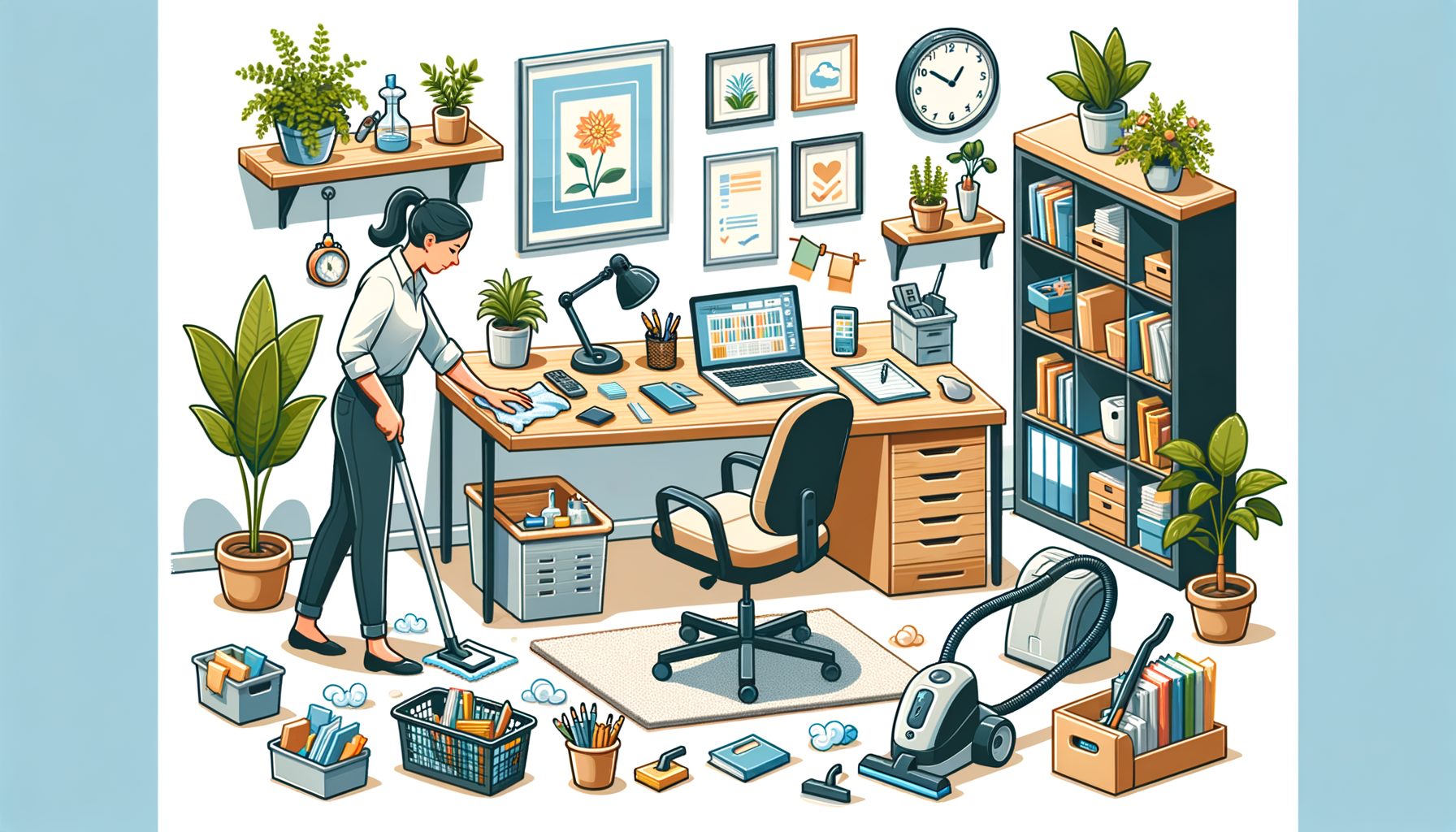
If your desk is a magnet for cables, mugs, and mystery papers, you’re not alone. Simple truth: clutter and dust quietly drain focus and energy. Home Office Cleaning isn’t just about looks—it’s a practical system that removes friction so you can start fast, think clearly, and finish strong. In a world where remote work blurs personal and professional space, a clean home office becomes an unfair advantage. Well, here it is: a guide that explains what to do, when to do it, and how to keep it going, with tips that fit any room size, budget, or work style.
Why Home Office Cleaning Drives Real Productivity and Well-Being
Distraction carries a cost. Extra objects in your field of view compete for attention, and dusty surfaces can irritate allergies or trigger headaches. The outcome: more context switching, slower decisions, and a lingering fatigue. Research backs it up. The U.S. Environmental Protection Agency estimates that people spend about 90% of their time indoors, so indoor air quality becomes a major health and performance factor. Cleaner air and low-dust environments reduce irritation and keep you in the zone. What’s interesting too: Harvard’s COGfx study found that better ventilation and lower chemicals (VOCs) correlate with higher cognitive performance—from information processing to strategy. Translate that to your home office and the equation is simple: fewer pollutants and less clutter yield sharper thinking and steadier energy.
Let’s address the obvious: you’re busy. Cleaning slides to “later,” and then later never arrives. The fix isn’t a marathon scrub every few months; build a simple, repeatable micro-routine you can run weekly with little effort. Picture version control for your workspace—small, consistent commits keep the project healthy. From years of working with remote teams, I’ve seen that people who adopt a modest system (10 to 30 minutes, once or twice a week) report fewer morning delays (“Where’s my charger?”), less eyestrain, and a greater sense of control. Their work hours are also better protected, because the space itself signals, “I’m here to do great work.”
There’s a hygiene angle too. High-touch surfaces—keyboards, mice, phones—accumulate oils and microbes. The CDC recommends regular cleaning of frequently touched items and smart use of disinfectants when needed. It doesn’t require bleaching your desk daily; opt for targeted, gentle maintenance using microfiber, mild soap, and, when appropriate, a disinfecting step. Done well, your space feels lighter, your tech lasts longer, and the routine becomes effortless rather than fussy.
A Weekly Home Office Cleaning System You Can Finish in 20–30 Minutes
Speed matters because you’ll only stick with a system that respects your time. The weekly sequence below balances impact and effort so you can get in, get out, and get back to work:
1) Clear and zone (2–4 minutes). Move cups to the kitchen, recycle obvious trash, and quickly sort everything on the desk into three zones: Work Now (laptop, current notebook), Work Soon (reference binder, charging dock), and Personal (water bottle, plant). Anything that doesn’t belong in those zones gets re-homed or tossed. Right away, it reduces decision fatigue when you sit down tomorrow.
2) Dust from high to low (3–5 minutes). Use a dry microfiber cloth to wipe monitors (screen-safe), shelves, and the desktop. Work top-to-bottom so falling dust gets caught later. Avoid paper towels; microfiber traps particles better and avoids lint. For screens, use a screen-safe cleaner or a slightly damp microfiber; never spray liquid directly onto electronics.
3) Wipe touchpoints (3–5 minutes). Lightly dampen a microfiber cloth with a mild soap solution for mouse, keyboard frame, headset band, desk edges, door handles, and chair arms. If you use a disinfectant, follow label directions for contact time. Ports and keys shouldn’t be soaked; a cotton swab helps with crevices.
4) Floor and air (5–7 minutes). Vacuum with a HEPA-equipped vacuum if possible, especially around chair casters and under the desk where dust bunnies collect cables. If you have an air purifier, check the filter indicator; run it on a lower setting during work hours to reduce particles without noise overload. The EPA’s guide to home air cleaners explains how HEPA and activated carbon differ—handy if you’re choosing a model.
5) Reset for tomorrow (2–4 minutes). Coil chargers, park your notebook and pen at 2 o’clock relative to your keyboard, place your water bottle at 10 o’clock, and stage your first task sticky note in the center. That tiny ritual eliminates morning micro-delays and builds momentum.
You’ll find a quick-priority table below. Keep it visible for your first few weeks—habit beats willpower.
| Home office hotspot | What to clean | Recommended frequency | Why it matters |
|---|---|---|---|
| Keyboard & mouse | Wipe surfaces, remove debris between keys | Weekly; more often if shared | High-touch; reduces grime and potential microbes |
| Phone & headset | Wipe earcups, mic boom, screen | Weekly | Skin oils accumulate; cleaner contact improves comfort |
| Monitor & desk | Dust top edge, screen (screen-safe), desktop | Weekly dust; monthly deeper wipe | Less dust = fewer irritants and clearer visuals |
| Chair & casters | Wipe armrests, clean hair/dust from wheels | Biweekly | Smoother rolling, better posture alignment |
| Cables & power strip | Dust cables, check strain relief and slack | Monthly | Prevents wear, reduces snags and heat buildup |
Pro tips to speed things up: keep a small “clean kit” in your office (microfiber, screen wipes, canned air, cable ties). Then this: start a playlist that’s 20–25 minutes long—when the music ends, so does cleaning. And if you prefer guidance, the CDC’s cleaning and disinfecting guidance is a solid reference for safe techniques and products.
Monthly Deep Clean, Digital Hygiene, and Air Quality Upgrades
Monthly maintenance keeps small issues from snowballing. Think of it as a tune-up for your space and your devices.
Deep clean (physical). Unplug devices and use compressed air to blow dust from keyboard switches, vents, and the back of your PC or router. Wipe the underside of your desk and the back of monitors—areas people forget that silently collect dust. Wash your microfiber cloths (no fabric softener; it reduces effectiveness). If you drink coffee or tea at your desk, remove mug rings with a mild, non-abrasive cleaner; place a coaster to prevent future stains.
Cable and accessory audit. Pull everything out once and rebuild only what you need. Use Velcro ties for slack and label both ends of essential cables. Group power strips off the floor if possible to reduce dust exposure and accidental kicks. That five-minute relabeling pays off the next time something fails—you’ll troubleshoot in seconds, not minutes.
Digital hygiene. A clean workspace is also about your digital surfaces. Clear your desktop of stray files into a single “Inbox” folder, then process it: archive, delete, or file by project. Empty downloads and uninstall apps you no longer use. Update your OS and security software. Set your browser to open with your task manager or roadmap; that first screen nudges your focus. Consider blue-light settings or warm color temperature in the evening—less visual strain means longer, steadier work sessions.
Air quality and ergonomics. Replace or rinse purifier pre-filters as directed by the manufacturer. If you don’t own a purifier, ventilate: crack a window for a few minutes between meetings to refresh CO2 levels. The COGfx research from Harvard’s T.H. Chan School linked better ventilation and lower CO2 to higher cognitive scores—practical proof that fresh air supports clearer thinking. On ergonomics, double-check monitor height (top of screen near eye level), chair support, and keyboard/mouse placement to protect your wrists and neck. The OSHA computer workstation eTool offers clear layouts you can copy in minutes.
Personal touch. Add a small plant that thrives indoors (pothos, snake plant) and wipe its leaves monthly so it can photosynthesize well. Keep one object that makes you smile—a postcard, a photo—but avoid letting decor multiply into clutter. The goal is calm energy, not a museum.
Make It a Habit: Checklists, Micro-Routines, and Motivation
Consistency beats intensity. The easiest way to make Home Office Cleaning stick is to bundle it with something you already do. For example, start your weekly reset right after your last meeting on Friday, or during the first 20 minutes of your Monday warm-up playlist. That way, the calendar—not your mood—decides. If you live with others, align your reset time with shared routines (laundry, meal prep) so you can ride the group momentum.
Create a visible, one-page checklist. Include the weekly five-step system and the monthly tune-up tasks. Keep it taped inside a drawer or pinned on a corkboard. Checklists reduce cognitive load and help you avoid “Where do I even start?” paralysis. Add two types of tasks: quick wins (dump trash, wipe mouse) and anchors (vacuum, cable check). Quick wins deliver instant satisfaction; anchors deliver the biggest payoff over time.
Track tiny metrics that matter to you. Examples: “Time from sit-down to first focused task,” “Days without eye irritation,” or “Number of times I got up to find a cable.” You don’t need a spreadsheet—just tally marks on the checklist. When you see the numbers improve, motivation becomes internal. If you manage a team, invite members to adopt the same routine for two weeks and compare notes. Most people notice smoother mornings and fewer equipment hiccups.
Make it enjoyable. Curate a short “clean and reset” playlist, light a subtle candle after you finish, or reward yourself with a snack or a short walk. If you’re competitive, set a timer and try to shave a minute off your best time. If you’re social, post a before/after pic to a private channel. For Gen Z readers who love quick structure, set a 5–10–10 sequence: five minutes declutter, ten minutes surfaces, ten minutes floor and reset. It’s simple, memorable, and done before a long video finishes.
Finally, adopt a “one in, one out” rule for desk items. Every new gadget or notebook replaces something else. This micro-boundary keeps the space stable over the long run, so your routine remains light and sustainable.
Conclusion
A productive workspace is not an accident; it is the result of clear priorities and small, steady actions. You learned why Home Office Cleaning is a performance tool, not a chore; how indoor air, dust, and clutter influence energy and focus; and the exact weekly system to reset your desk in 20–30 minutes. We covered the monthly deep clean that protects your gear, digital hygiene that reduces mental noise, and the habit strategies that make the whole thing automatic. With just a microfiber cloth, a simple checklist, and a little intention, your home office can become a launchpad for deep work—not a distraction factory.
Well, here it is: your next step. Pick a recurring calendar slot this week for your first 20-minute reset. Prepare a tiny kit (microfiber cloth, screen-safe cleaner, compressed air, Velcro ties) and print a one-page checklist with the five weekly steps plus the monthly tune-up. When the calendar alert fires, press play on your “reset” playlist and start at the top. Keep it light. Keep it consistent. In a month, review your quick metrics—how fast you start, how clear your screen looks, how settled you feel when you sit down—and lock in the wins.
If you want to go further, consider an air purifier with a HEPA filter, add a plant, and adjust your ergonomics using the OSHA eTool so your body supports, rather than resists, your goals. Share this routine with a teammate or friend and do a “reset sprint” together once a week. The payoff compounds: fewer micro-frictions, steadier focus, and a workspace that quietly tells your brain, “We’re here to create.”
Your desk is the stage for your best ideas; give it the care your ideas deserve. Ready to try your first 20-minute reset today, or will you schedule it for tomorrow?
Frequently Asked Questions
Q: How often should I clean my keyboard and mouse?
A: Weekly is a good default, and more often if you share devices or eat at your desk. Use a lightly damp microfiber cloth with mild soap for surfaces, a cotton swab for crevices, and compressed air for debris. Avoid excess moisture and never spray directly into ports.
Q: Do I need disinfectant, or is soap enough?
A: For most home offices, regular cleaning with soap and water removes dirt and many microbes effectively. Use an EPA-registered disinfectant when someone is sick, devices are shared, or you prefer an extra hygiene step. Always follow label contact times. See the CDC guidance for details.
Q: What’s the single biggest win if I’m short on time?
A: Do a 10-minute “clear and reset”: remove trash and dishes, stage your first task note at the center of the desk, wipe the mouse and keyboard frames, and coil your main charger. That compresses your morning startup time and makes the next work block feel frictionless.
Q: Are air purifiers worth it for a home office?
A: If you live in a high-pollen, high-smoke, or dusty area—or your office is small and poorly ventilated—a HEPA purifier can reduce particles and help with comfort and focus. The EPA guide to air cleaners explains how to choose the right size and filter type.
Q: How can I keep cables from turning into a nest again?
A: Label both ends, bundle slack with Velcro ties, and mount a cable dock or adhesive clips along the back edge of the desk. Adopt a “one in, one out” rule for accessories to keep the count stable over time. Do a one-minute cable check during your weekly reset.
Sources
– U.S. Environmental Protection Agency, Indoor Air Quality overview: https://www.epa.gov/indoor-air-quality-iaq
– EPA, Guide to Air Cleaners in the Home: https://www.epa.gov/indoor-air-quality-iaq/guide-air-cleaners-home
– CDC, Cleaning and Disinfecting Your Home: https://www.cdc.gov/hygiene/cleaning/cleaning-and-disinfecting-your-home.html
– Harvard T.H. Chan School of Public Health, COGfx Study (ventilation, CO2, VOCs, cognition): https://ehp.niehs.nih.gov/doi/10.1289/ehp.1510037
– OSHA, Computer Workstations eTool (ergonomics): https://www.osha.gov/etools/computer-workstations